The company admin dashboard
After login, company admins land on a dashboard for the current working day: who is in, calendar context, and paths into time logs, QR, leave, employees, and reports.
This is the HR home — not a live city map of GPS points. Super-admins have a separate platform console for plans, gateways, and tenants.
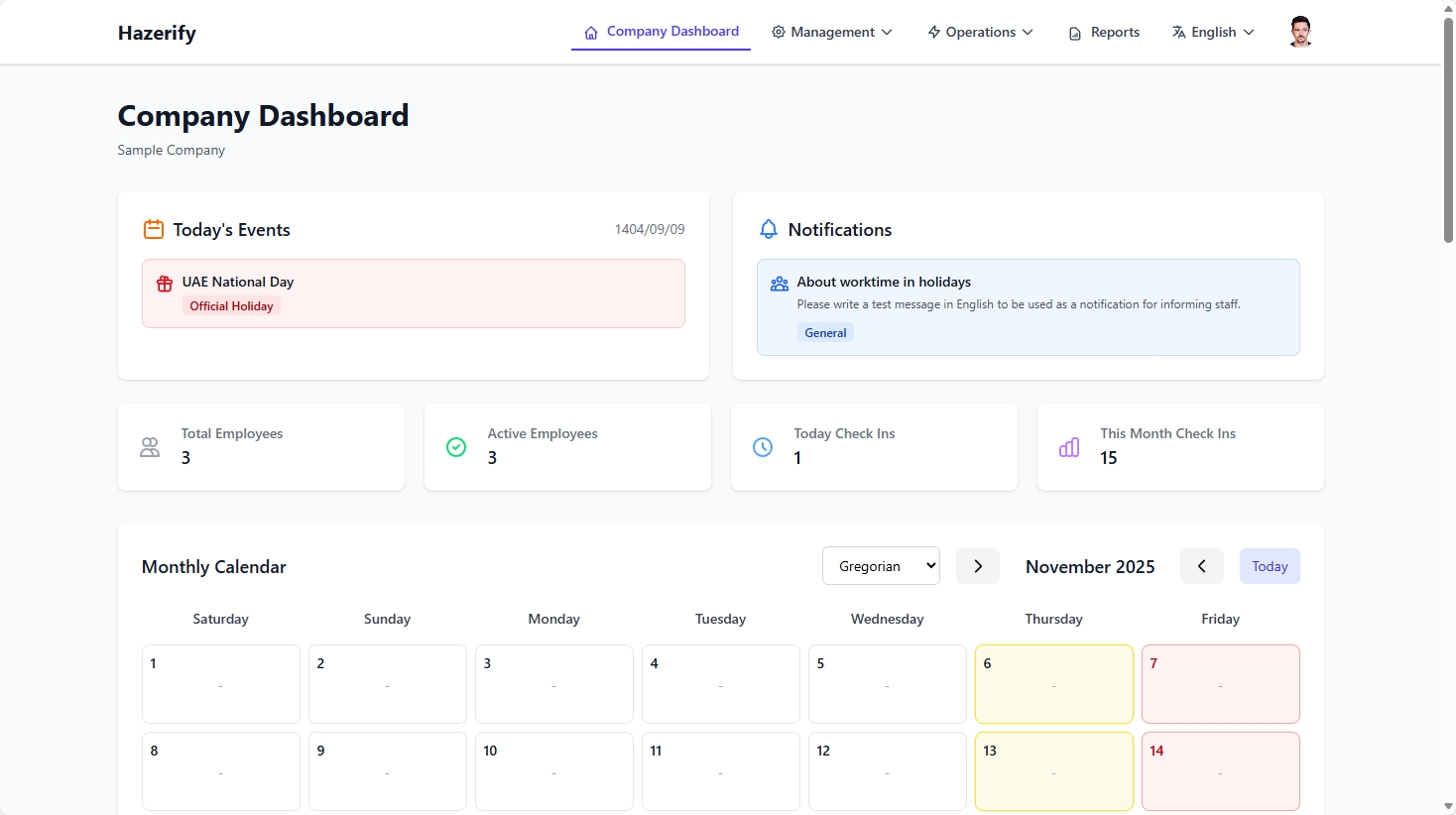
HR / admin
Start the morning here, then drill into a person or export PDF.
Employee
Employees have a simpler dashboard of their own day, not the full company grid.
Honest limits
No claimed real-time street map. Refresh follows ordinary web requests.
How it works
-
1
Sign in as company admin
Web session, not the employee app token.
-
2
Read today
Presence is based on time log dates, not created_at alone.
-
3
Jump to work
QR, reports, leave, users.
FAQ
No. Employee views are scoped to themselves plus what the role allows.
The panel is responsive, but daily punching for staff is designed around the Android app and QR.