Automatic attendance on office WiFi
HazeriFy can mark an employee present when their Android phone connects to the WiFi name the company saved. Checkout can follow when that network drops. The match is the SSID string, not the access-point MAC address.
This is the product’s main differentiator against fingerprint boxes: staff do not stand in a queue if they already join the office network. Admins still set the SSID carefully; renaming the office router without updating the company setting will reject live pings (queued offline events are the documented exception).
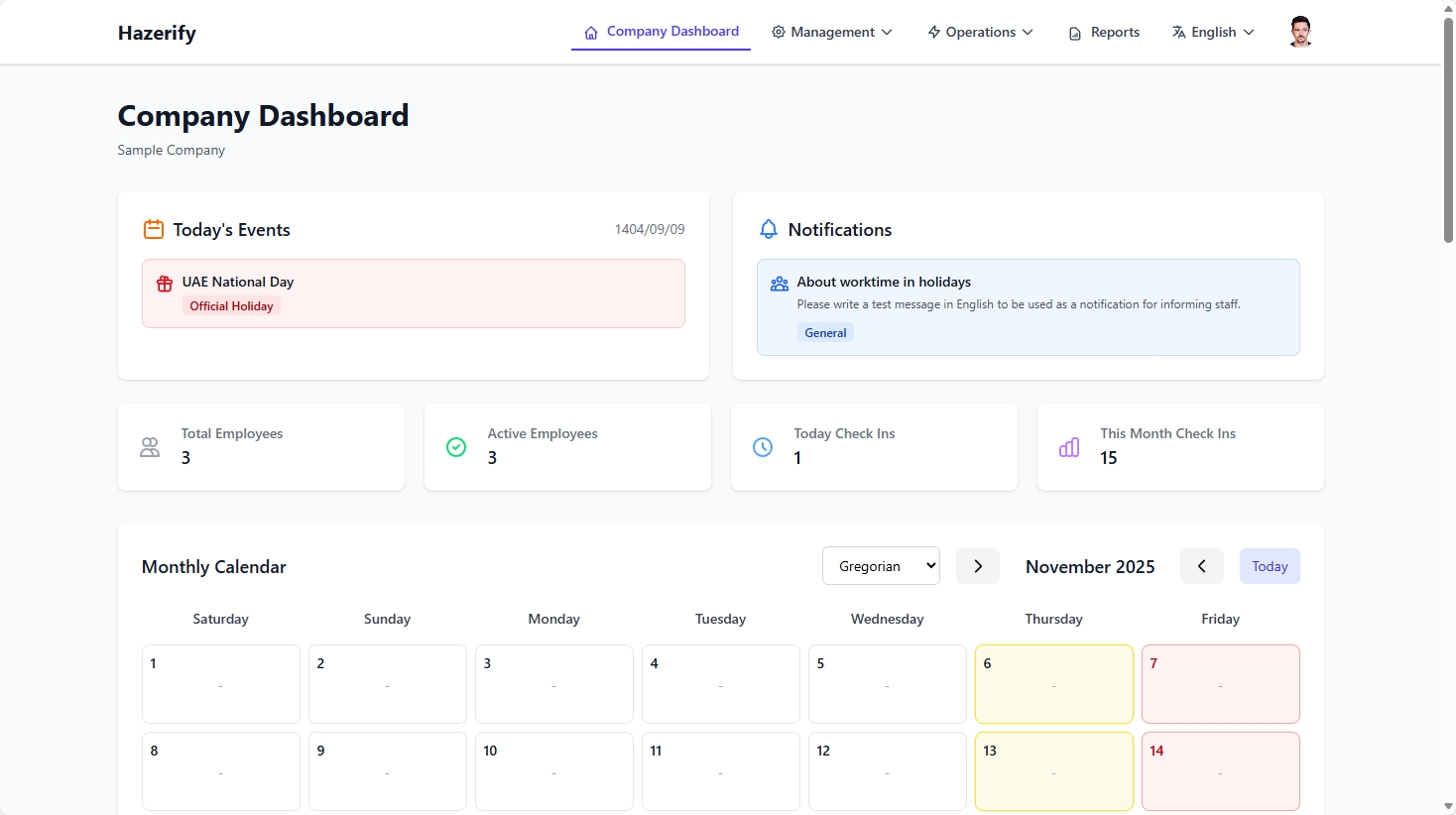
IK / yönetici
HR stores one office SSID (or the names your policy allows) and watches the daily dashboard instead of collecting paper timesheets.
Çalışan
Install the Android app, keep WiFi on at work, and check-in can happen without opening a punch screen every morning.
Dürüst sınırlar
SSID matching, not BSSID/MAC. Expo Go cannot read the real SSID — you need a Dev Client or the Play APK. Company flags for disabling auto check-in exist in settings but the current app still starts network monitoring after login.
Nasıl çalışır
-
1
Save the office SSID
A company admin enters the WiFi name exactly as phones see it.
-
2
Staff join that network
The Android app notices the SSID change and sends a check-in ping.
-
3
Server records the event
The API stores date and time in the work-calendar timezone and skips accidental duplicate punches.
SSS
No. The current check is the SSID name configured on the company.
The event can sit in the offline queue and upload later. Queued events skip the SSID check by design.
One company record typically stores one SSID policy. Multiple locations are a calendar and process question — ask before you assume multi-site geofence.